Skip to content
← Back to Work
Flagship Active · v9.7.0 Electron MIT Open Source

Your canvas. Your references.

Visual reference workspace for VFX and 3D artists. Live 3D model preview (glTF, OBJ, FBX, STL, USD, and more), typed connections with a Map View, a Scratch Board drawing layer, a Task Tracker, shared cards across boards, and 14 board templates. Plugin system with a local-only MCP Bridge: an AI agent can read and edit the active board, off by default and undo-reversible. Windows, macOS and Linux builds. Free forever, MIT-licensed, no telemetry.

What Kanvaz looks like

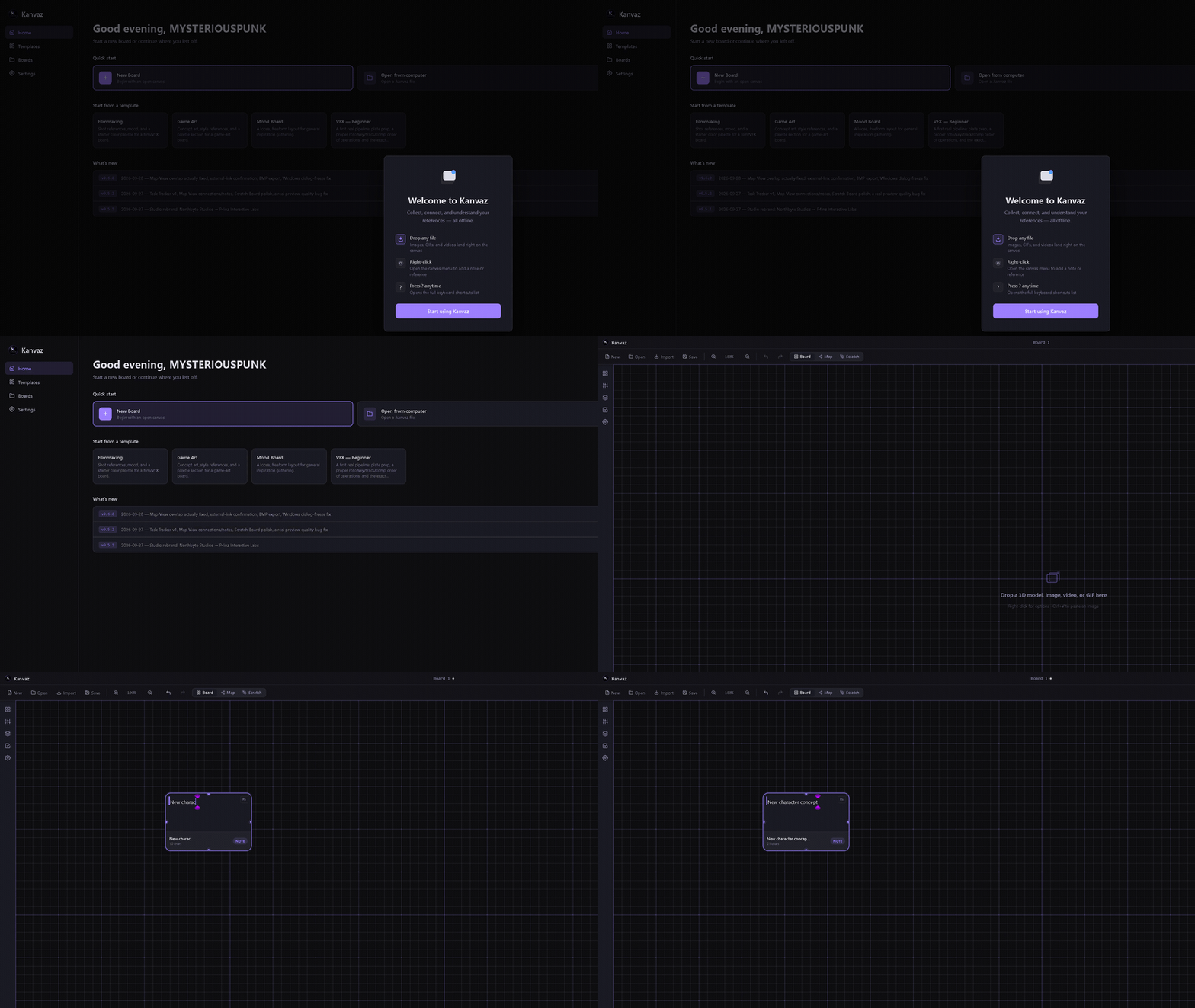
Kanvaz walkthrough: home screen, starting a new board, and dropping in a card, live.
Home screen to first card · v9.6.0
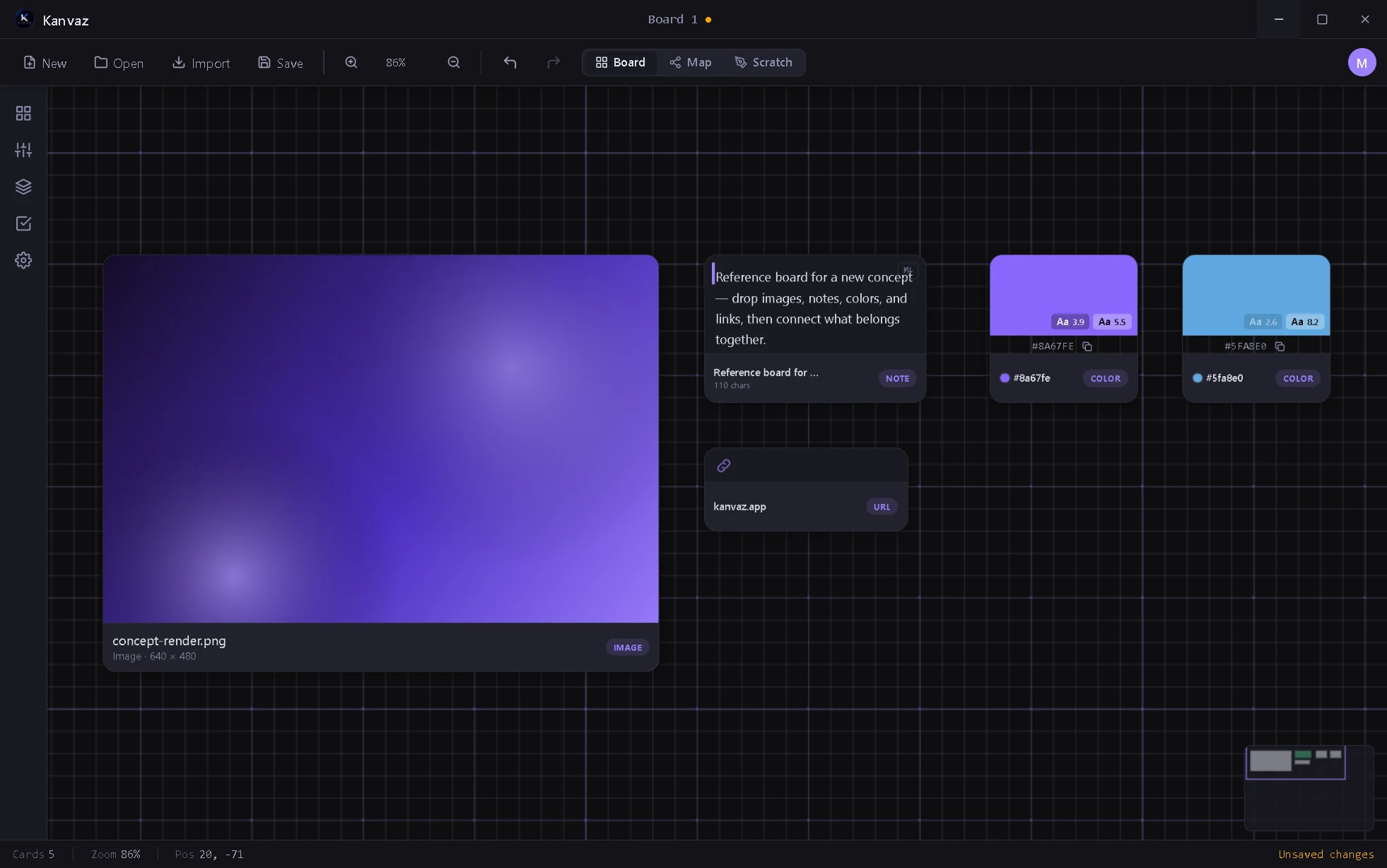
Kanvaz reference board in the dark theme: image, note, color and URL cards with a Related To connection.
Dark theme · v9.6.0
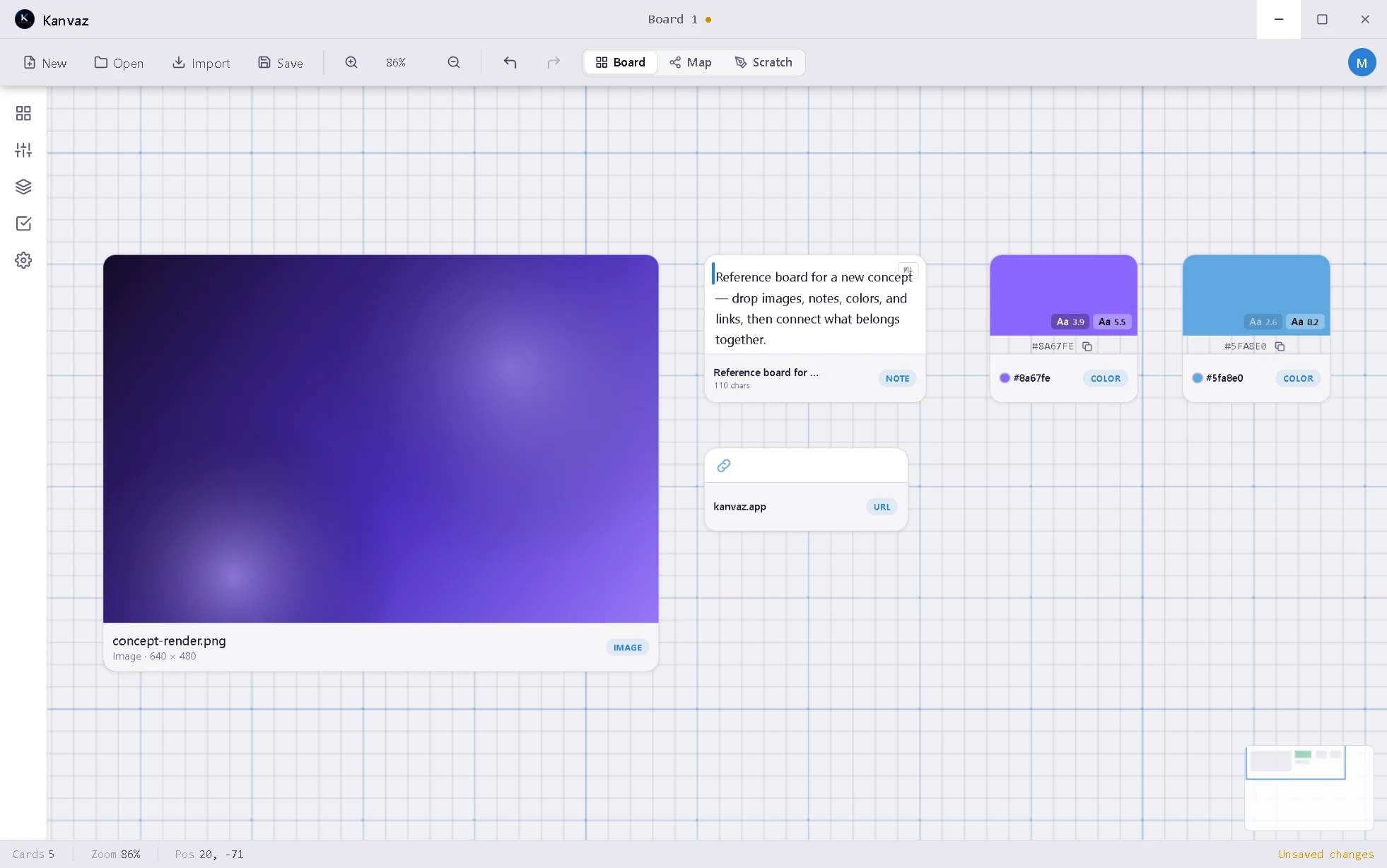
The same Kanvaz reference board in the light theme.
Light theme · press L to switch
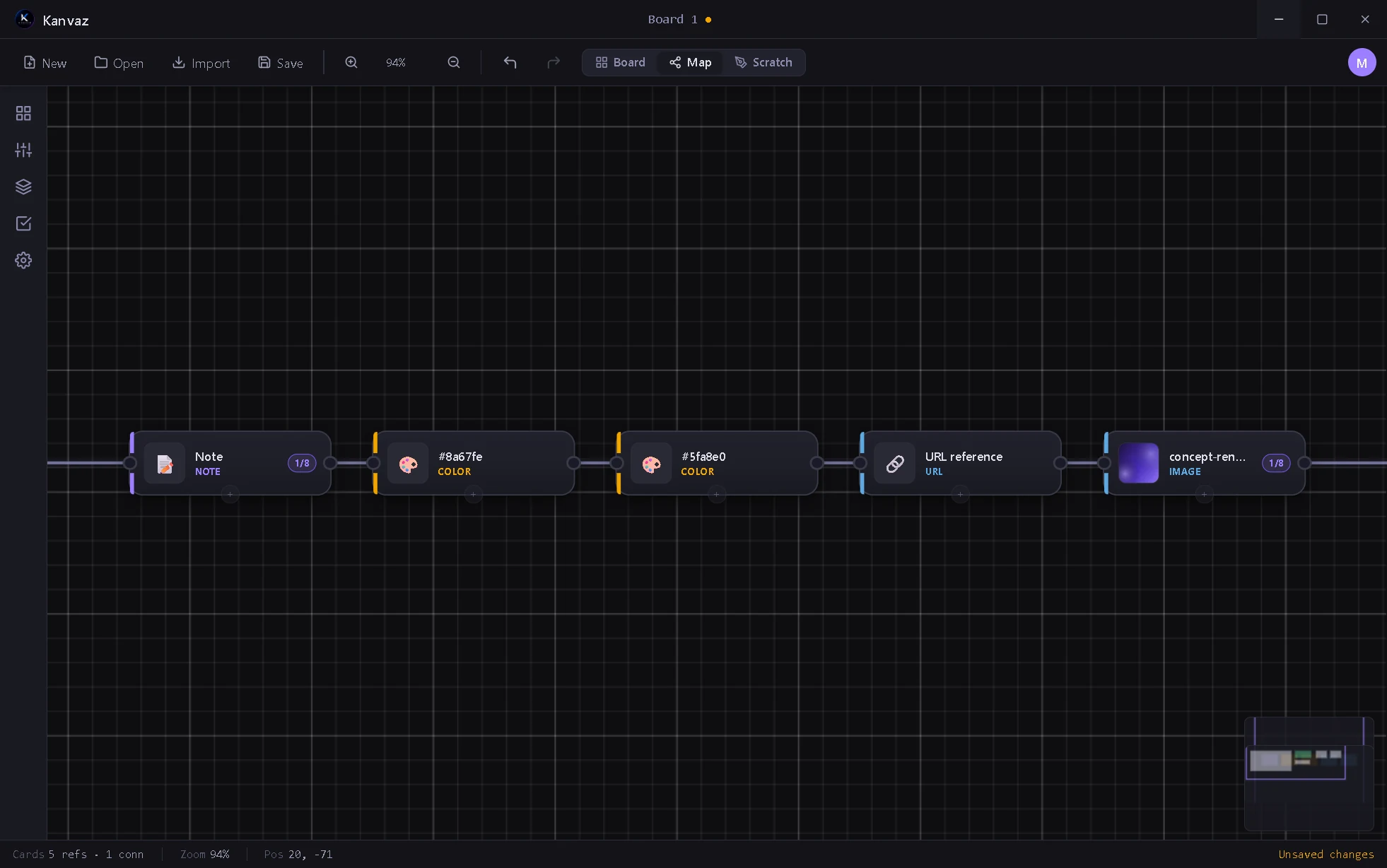
Kanvaz Map View — node-editor-style graph of cards, color-coded by type, with connection ports.
Map View · every card as a node
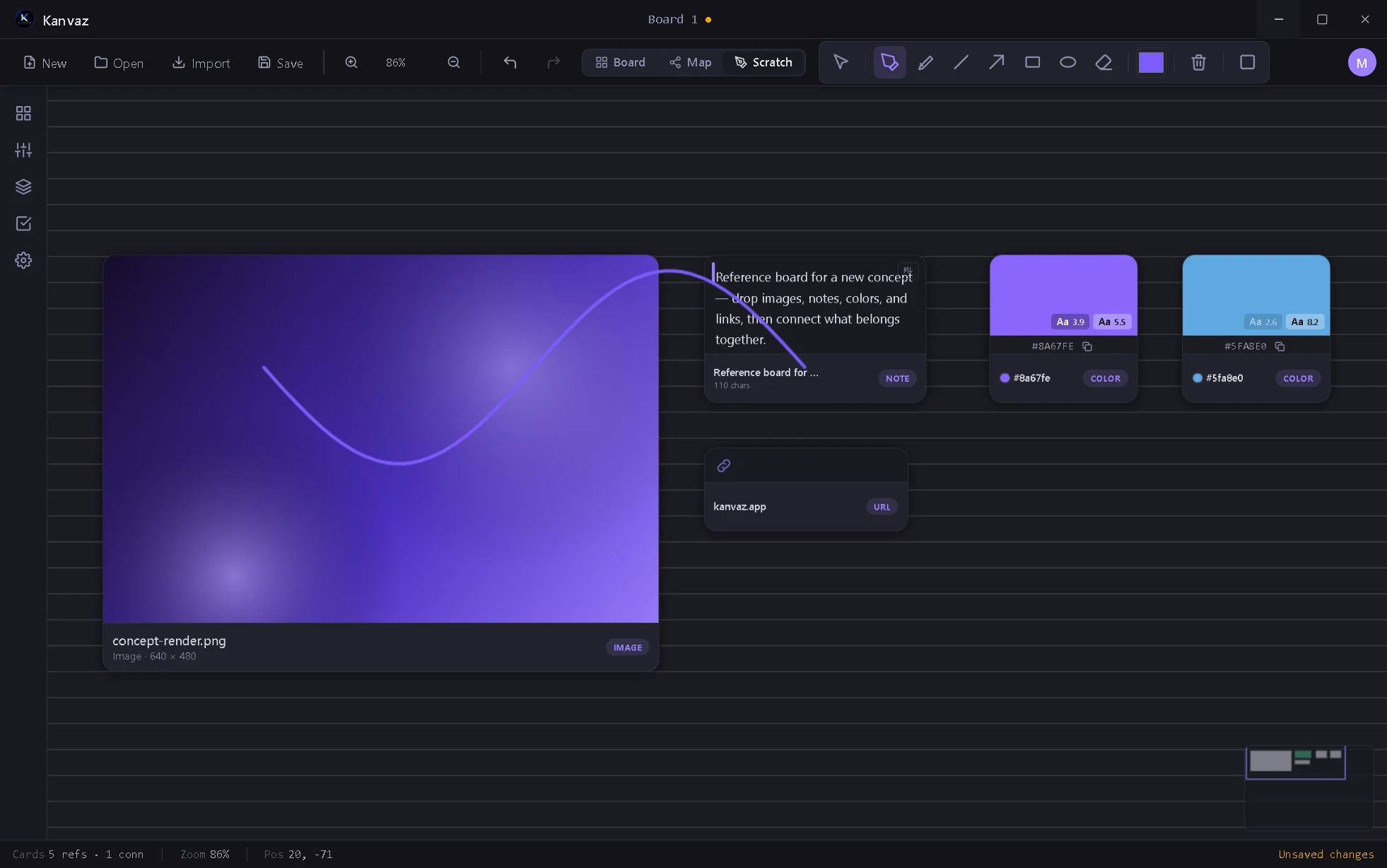
Kanvaz Scratch Board — an Illustrator-style drawing layer over the board, pen tool, custom toolbar.
Scratch Board · draws over the whole board
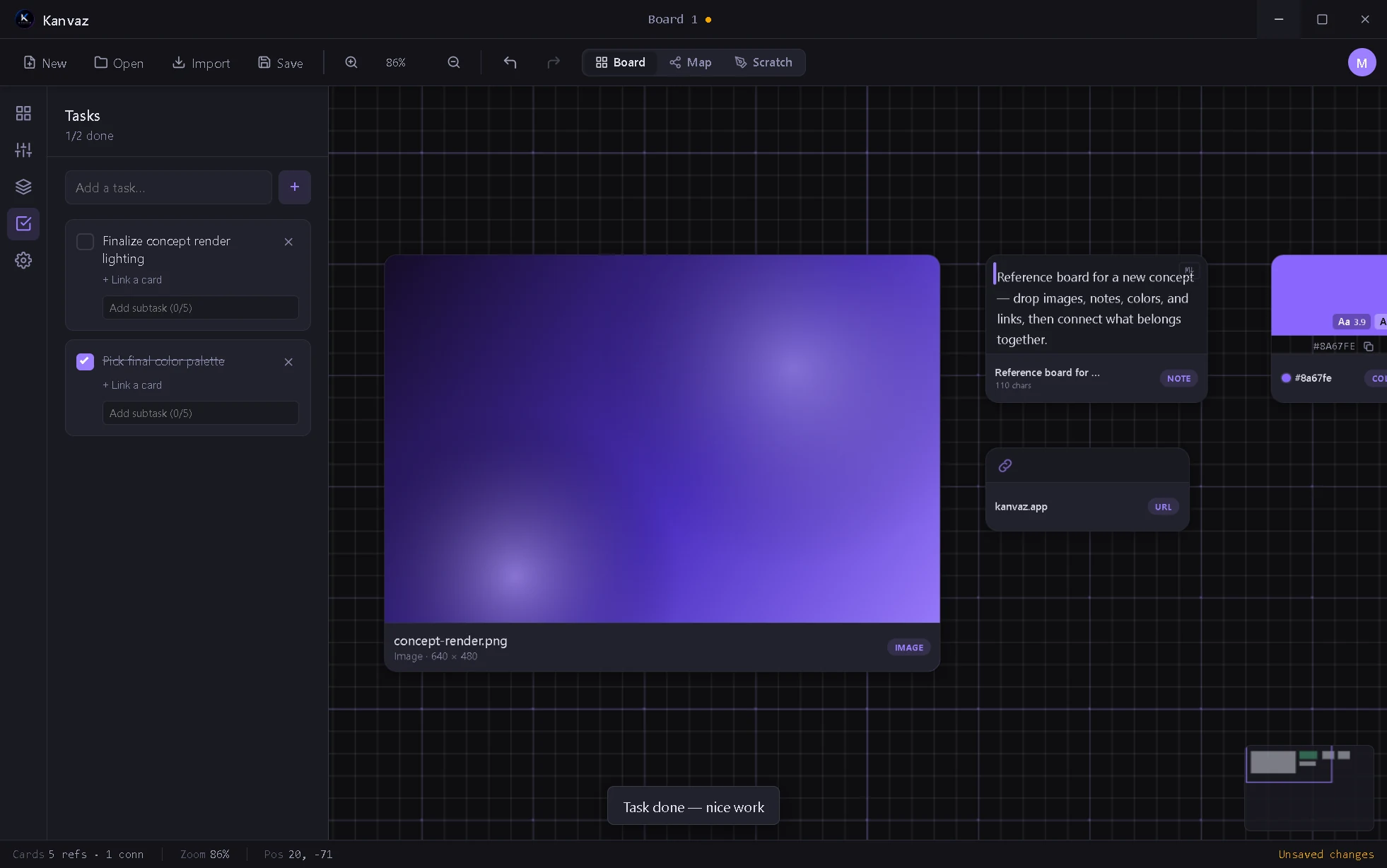
Kanvaz Task Tracker side panel section — tasks with subtasks, progress, and a completion toast.
Task Tracker · a to-do list next to your board
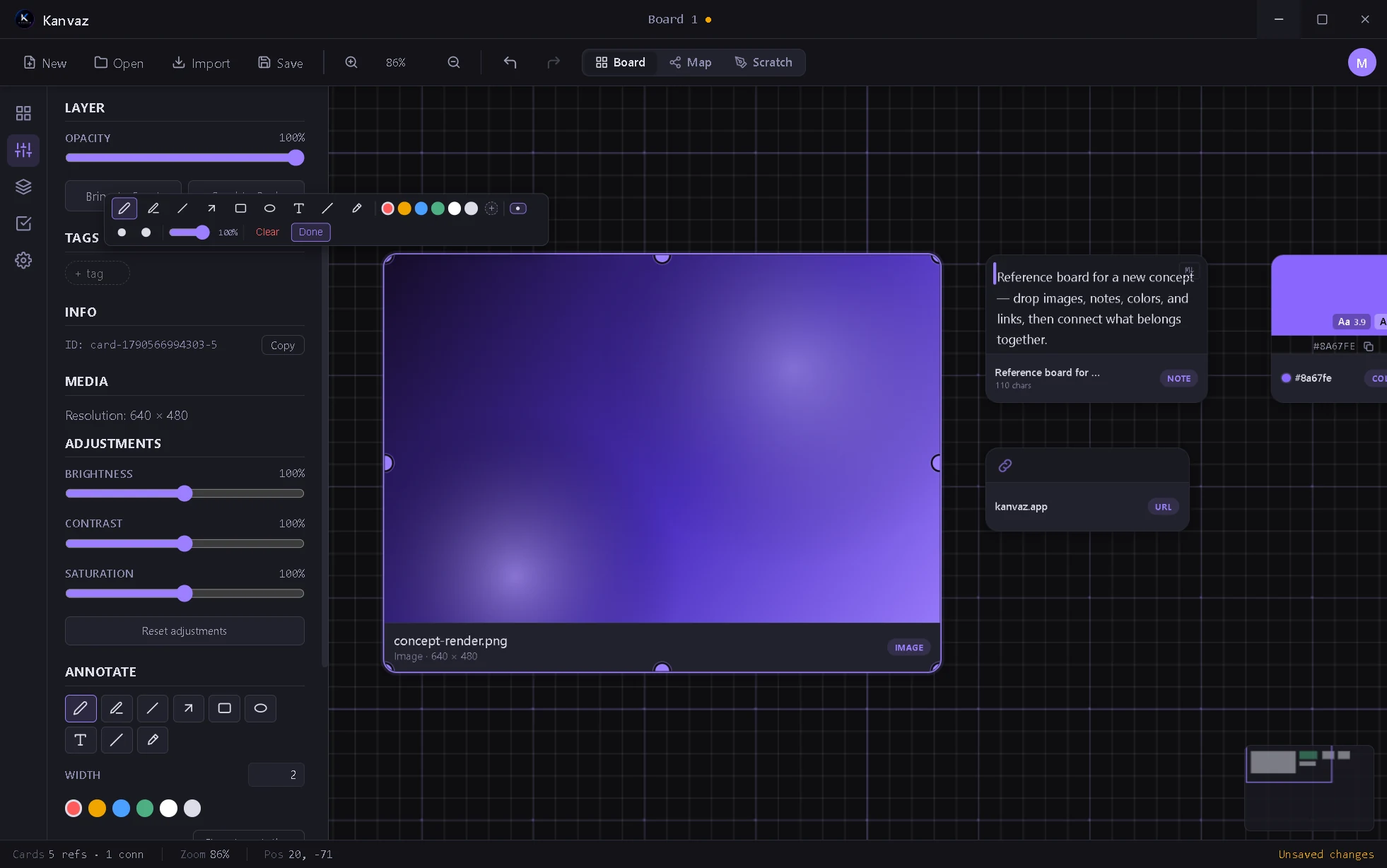
Kanvaz side panel Properties section with the Annotate toolbar open on an image card.
Annotate · per-card brush right from Properties
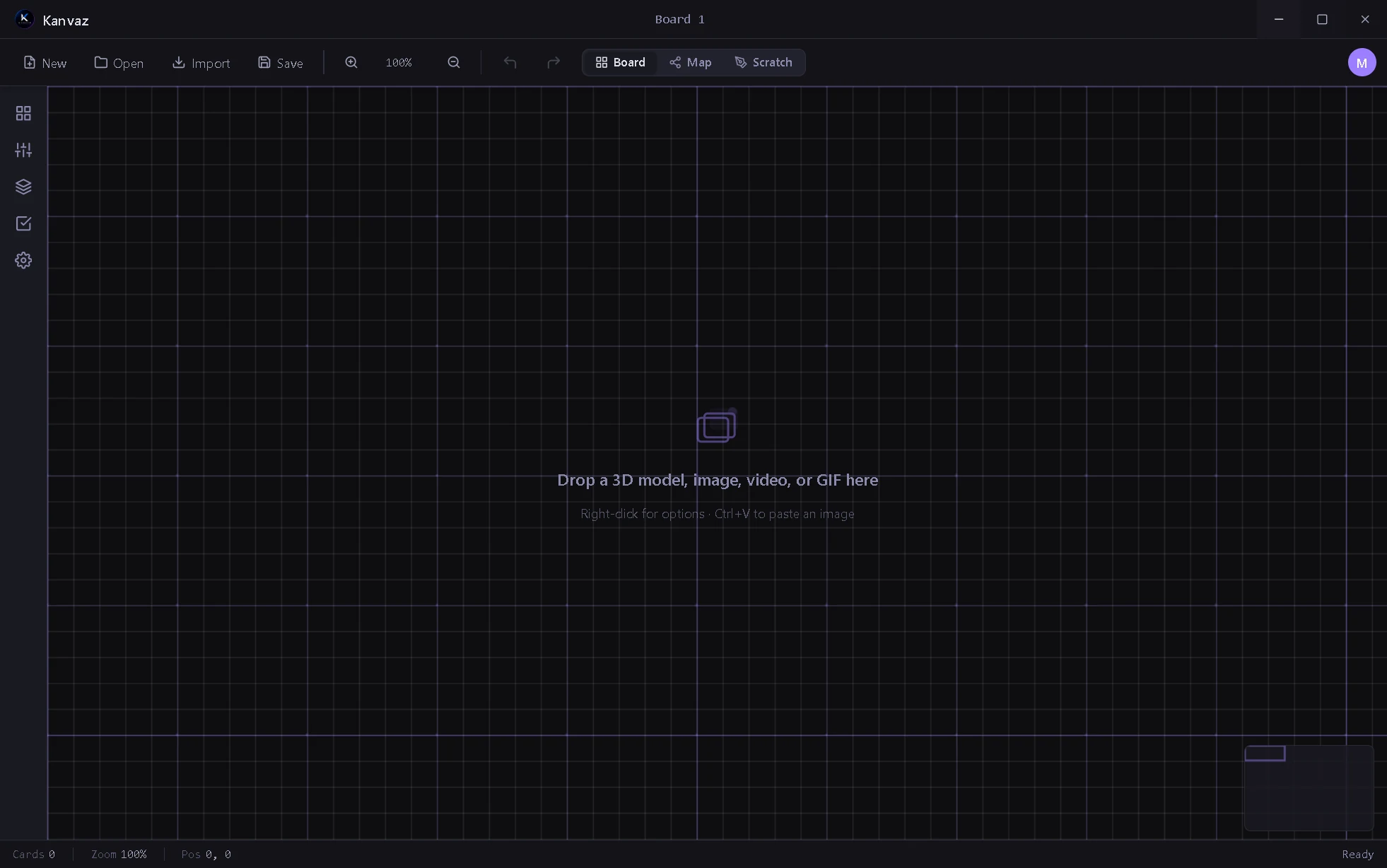
Kanvaz Home Screen — first-launch welcome overlay with Drop any file, Right-click, and shortcuts pointers.
First-launch home screen
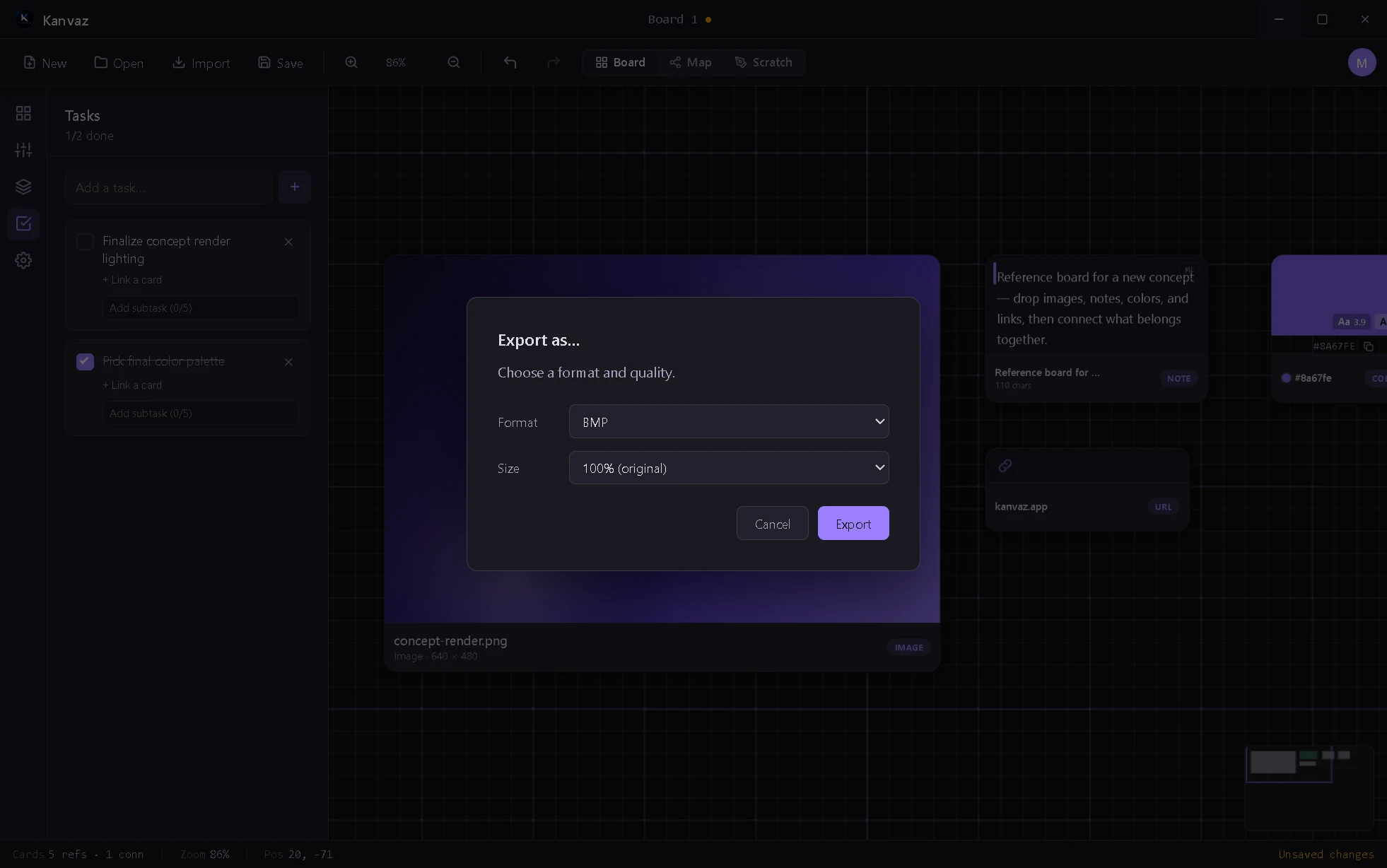
Kanvaz Export as… dialog — format (PNG/JPEG/WEBP/BMP), quality, and size.
Export as… · PNG, JPEG, WEBP, or BMP

Why it exists

Before Kanvaz was a public release, it was a gift, built for the VFX and 3D community I'm part of, for the friends and teachers who needed a fast, no-friction place to drop reference images while working. Most reference tools are either too heavyweight or built for a different workflow entirely.

Kanvaz does one thing: give you a canvas, let you throw images, GIFs, and video references onto it, and stay out of your way.

What's inside

3D preview, connections, plugins, and a lot of releases.

Map View + Scratch Board (v9.1–9.5)

Map View turns every card into a node-editor-style graph, color-coded by type and wired with the same typed connections as the board itself. Scratch Board adds a real Illustrator-style drawing layer over the whole board — pen, highlighter, shapes, eraser — sharing one undo history with everything else.

Task Tracker + per-card Annotate (v9.1–9.6)

A real to-do list lives in the side panel now, with subtasks and per-task card links. Annotation moved into Properties too: brush width and color adjustable per card, no separate tool to switch into.

Live 3D model cards (v7.4–v8.4)

Drop a .glb, .obj, .fbx, .stl, .ply, .vox or .usd or .usdz and orbit it on the board with Normal, Wireframe and Matcap shading, animation playback and a remembered camera. .blend files preview too if Blender is installed.

Shared cards + Layers panel (v6.4, v7.20+)

The same card can sit on several boards with no duplication, so an edit shows up everywhere it is used. A Layers panel lists every card in z-order with hide, lock, highlight and grouping.

Smart Search + Smart Folders (v6.2–6.3)

On-device fuzzy search that finds "car" when you type "cars", plus saved searches that re-run themselves as new references land. Pure JS, off by default, no native dependencies.

14 templates + profiles (v7.8–v8.9)

Board templates for VFX, game dev, filmmaking, architecture and more, most of them shipping with real typed connections already wired. Offline multi-profile support, exportable as a portable file.

Plugin system (v4.2)

window.KanvazPluginAPI: plugins register new card types, ship full alternate themes, add their own Settings panels. Every install goes through a main-process consent dialog; plugins can't self-approve.

Theme Creator (v4.2)

First official plugin: in-app theme editor, live preview, presets, one-click reset. Shipped with the design-system audit that unified radii, shadows, and animation tokens.

Safer .kanvaz format (v4.1)

Moved from a giant base64-inline JSON blob to a real zip container with per-asset SHA-256 integrity hashes. Roughly 33% smaller files; one damaged asset degrades gracefully instead of losing the whole board. Backward compatible.

URL + File cards (v4.1)

Two new reference card types on top of the original six. File cards block executable/script types on open for safety. No new dependencies, no telemetry.

MCP Bridge (v4.4–4.5)

A local-only MCP server exposes the active board to an AI agent through 30 tools: board management, undo/redo, view control, card editing, and settings. Off by default; every AI-driven change lands in undo history exactly like a manual edit.

Template gallery + text cards (v5.0–5.2)

Start a board from a template instead of a blank canvas. Text cards join the reference-card lineup, and .pur (PureRef) import handles a wider range of real PureRef files after a fix to a legacy migration bug that was silently corrupting annotation data with Map View open.

Kanvaz is at v9.7.0, and still shipping.

Kanvaz went through a v5.3.0 bug-bounty pass that I once treated as the end of development. It wasn't. Since then there have been 47 published releases across the v6, v7, v8 and v9 lines: Smart Search, shared cards, real 3D model preview, Map View, Scratch Board, a Task Tracker, an AI Export plugin, and a lot of templates.

The latest published release is v9.7.0, with a Windows installer, a Linux AppImage, and macOS builds for both Apple Silicon and Intel. There's no fixed roadmap; updates land most weeks depending on what people report.

No subscription, no feature paywall, no telemetry. The only network calls are buttons you click yourself, like Check for Updates. Your files stay on your machine, and it stays free.