Plugin system (v4.2)
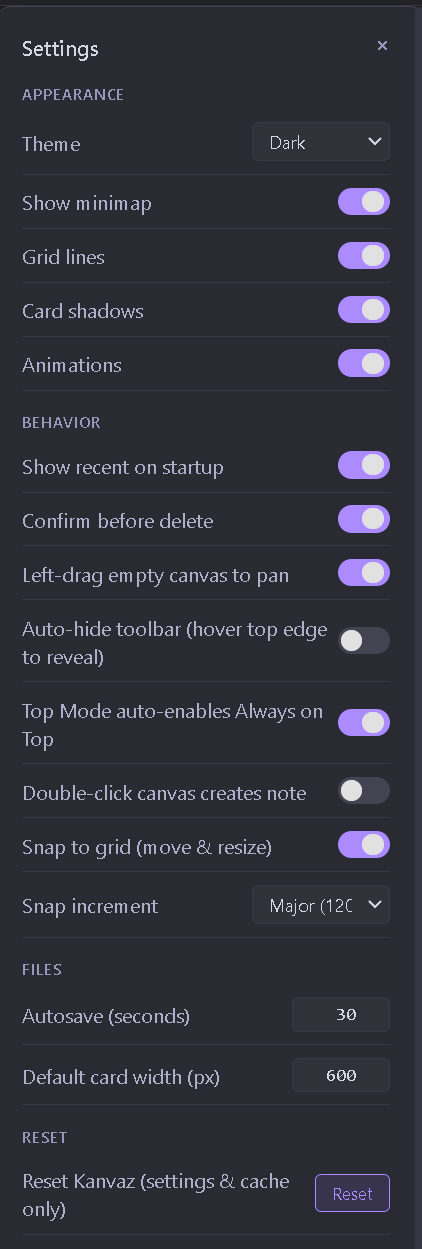
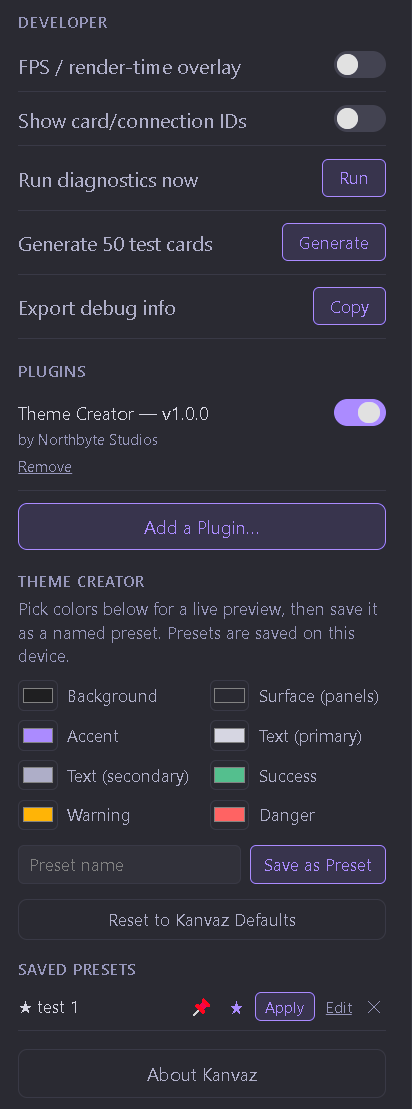
window.KanvazPluginAPI — plugins register new card types, ship full alternate themes, add their own Settings panels. Every install goes through a main-process consent dialog; plugins can't self-approve.
Computed live in your browser via the Performance API. Nothing here is sent anywhere — check DevTools → Network yourself.
View this page's source →Visual reference workspace for VFX and 3D artists. Plugin system (Theme Creator ships as the first official plugin), safer .kanvaz zip container with SHA-256 integrity, URL and File reference cards, GitHub Actions CI, opt-in updater. Free forever, MIT-licensed. Dev is winding down; no v5 planned.
What Kanvaz looks like
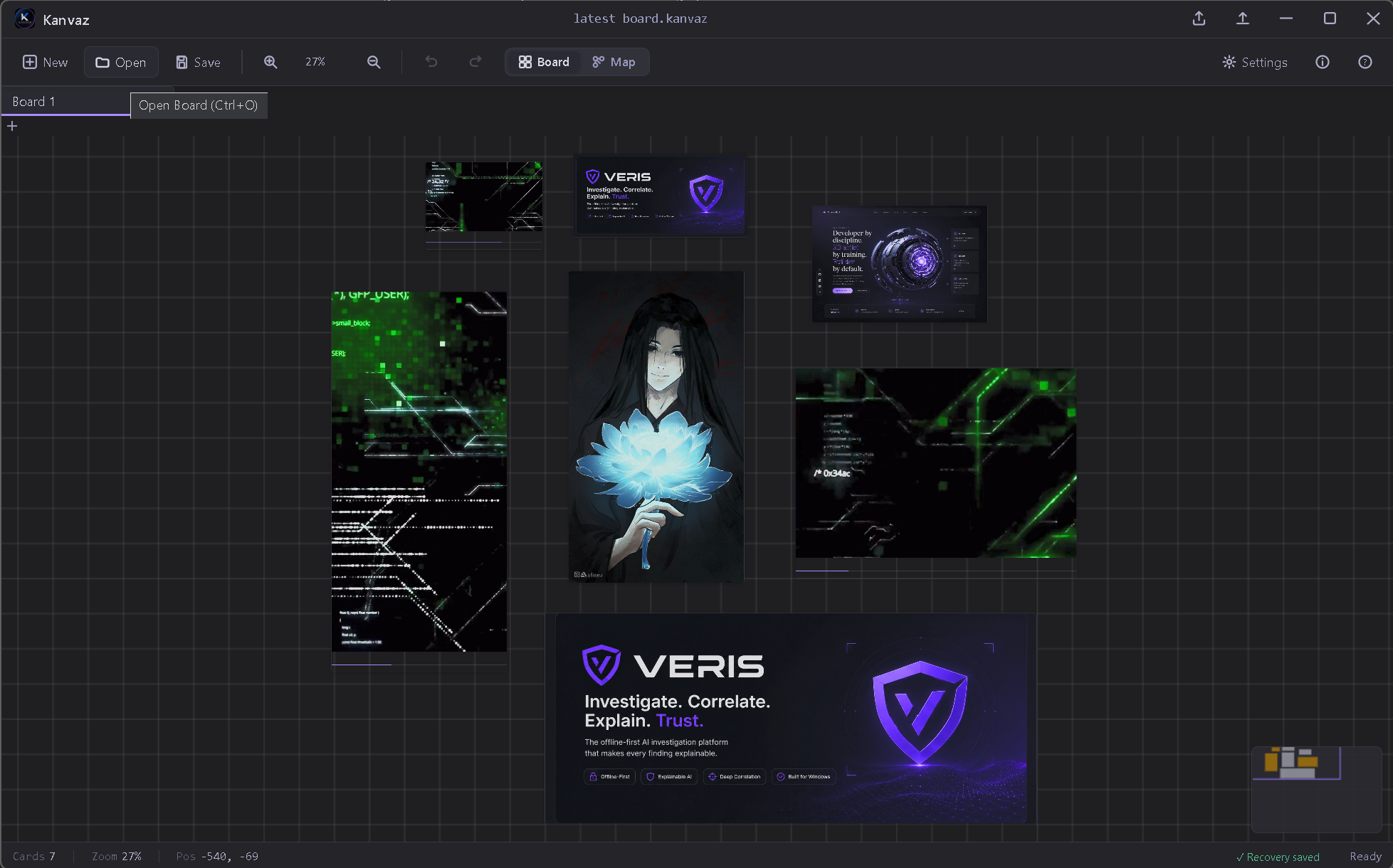
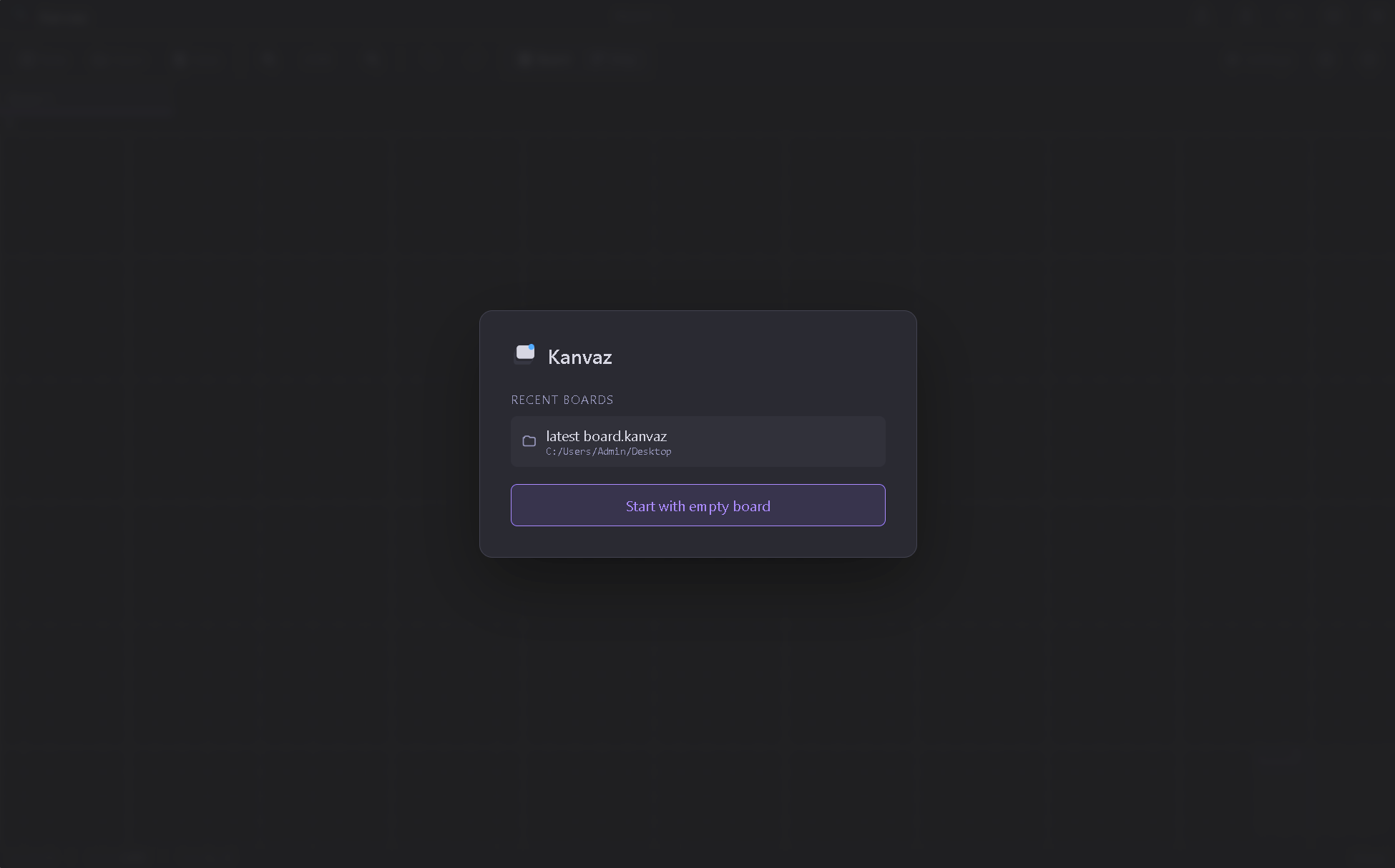
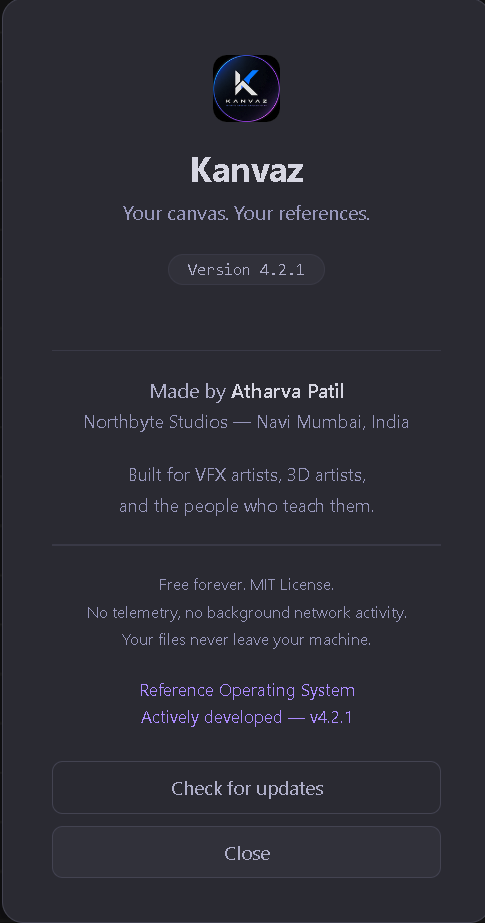
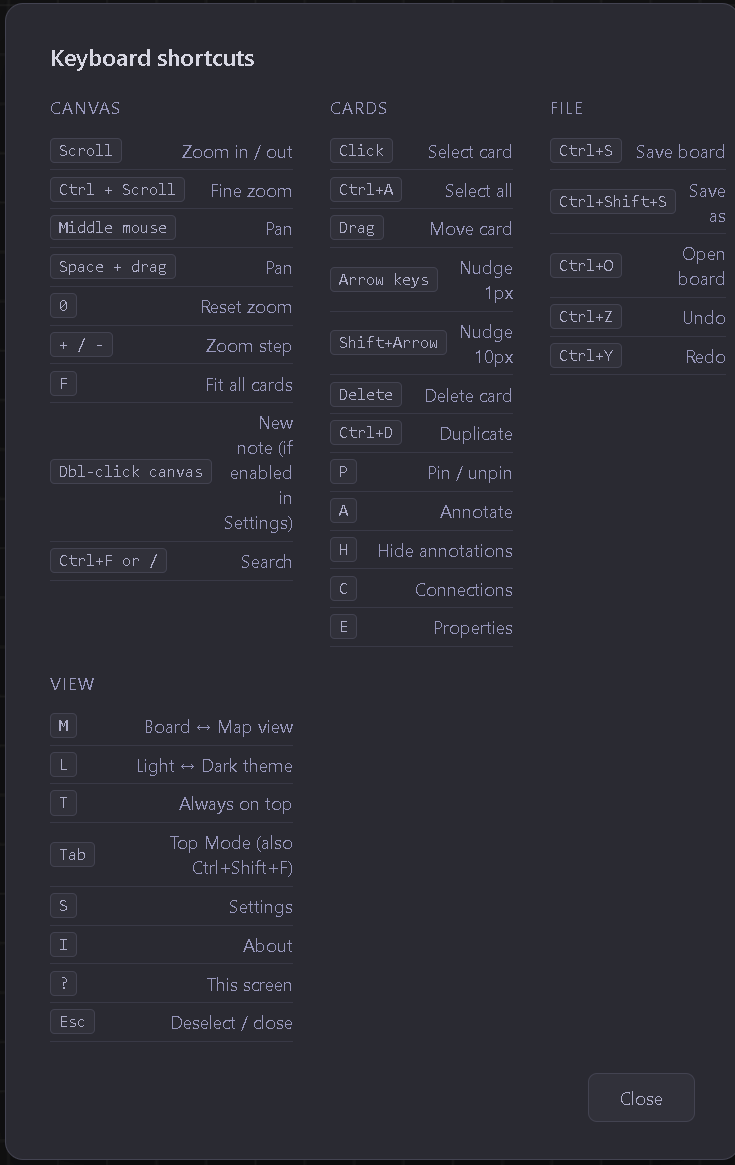
Why it exists
Before Kanvaz was a public release, it was a gift — built for the VFX and 3D community I'm part of, for the friends and teachers who needed a fast, no-friction place to drop reference images while working. Most reference tools are either too heavyweight or built for a different workflow entirely.
Kanvaz does one thing: give you a canvas, let you throw images, GIFs, and video references onto it, and stay out of your way.
What's inside
window.KanvazPluginAPI — plugins register new card types, ship full alternate themes, add their own Settings panels. Every install goes through a main-process consent dialog; plugins can't self-approve.
First official plugin: in-app theme editor, live preview, presets, one-click reset. Shipped with the design-system audit that unified radii, shadows, and animation tokens.
Moved from a giant base64-inline JSON blob to a real zip container with per-asset SHA-256 integrity hashes. Roughly 33% smaller files; one damaged asset degrades gracefully instead of losing the whole board. Backward compatible.
Two new reference card types on top of the original six. File cards block executable/script types on open for safety. No new dependencies, no telemetry.
Board View, the Connection System, and Map View are all stable. Dev is winding down: no v5 planned. v4.3.0 stabilization is the last major work before the project enters maintenance-only mode.
No subscription, no feature paywall, no telemetry, no internet connection required. Your files never leave your machine, and it stays free forever.